> For the complete documentation index, see [llms.txt](https://docs.colormass.com/llms.txt). Markdown versions of documentation pages are available by appending `.md` to page URLs; this page is available as [Markdown](https://docs.colormass.com/building-blocks/materials/adjust-opacity/materials-without-transmission.md).
# Materials without Transmission
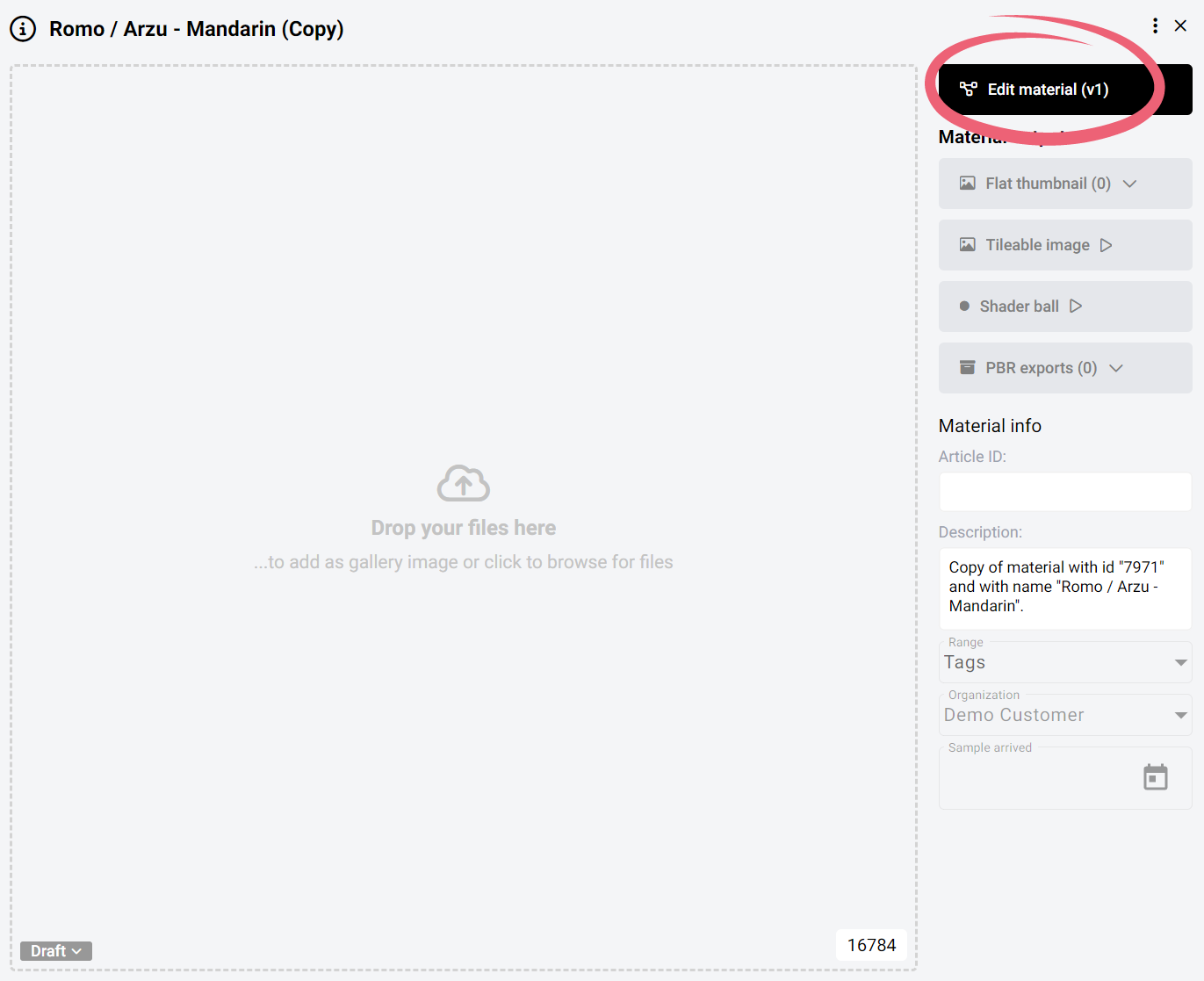
In order to adjust the reflectivity of a material on the platform you would first need to navigate to the specific material that you would like to change and click on the *Edit material* button.
Edit material
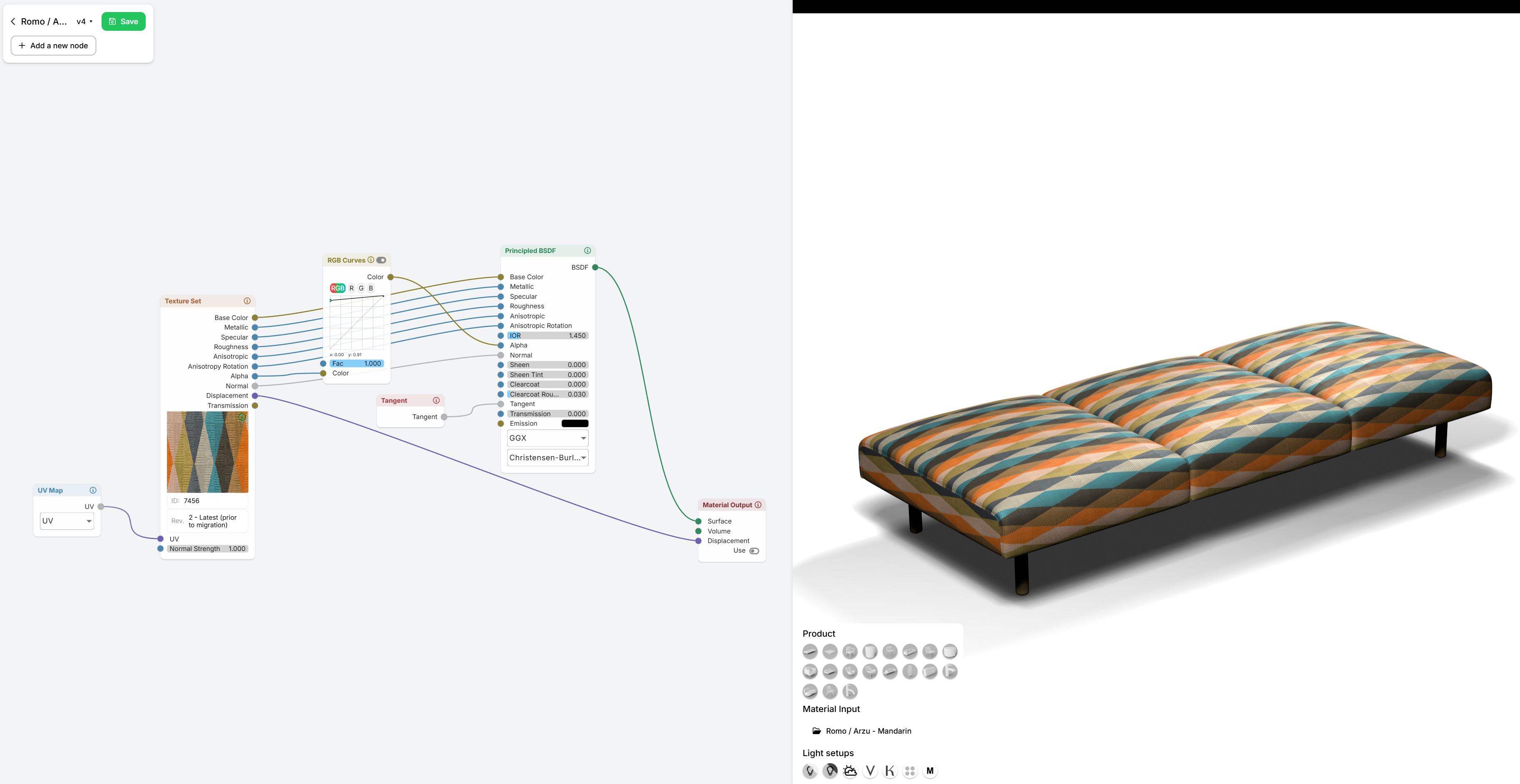
This will open up the material editor. In the material editor the reflectivity is mostly controlled by the Alpha map, so to change the opacity we would need to break this line (see highlighted in red below) and add an adjustment node.
In the recording below you can see how you can add a [RGB Curve](/building-blocks/materials/recolor-a-material/rgb-curves.md) node that you can then use to adjust the opacity.
Reducing opacity
The [RGB Curve ](/building-blocks/materials/recolor-a-material/rgb-curves.md)works the same way as in photoshop. The RGB Curve in this case simply adjusts the brightness of the alpha (the brighter it becomes the less see-through, the darker it becomes the more see-through it becomes). So in order to decrease the see-through simply drag the bottom left point more to the top, like so:
Decrease see-through
or drag the top-right point and drag it down, like so:
.png?alt=media&token=5e72c697-43ed-4766-86f5-f158cf20fd89)