> For the complete documentation index, see [llms.txt](https://docs.colormass.com/llms.txt). Markdown versions of documentation pages are available by appending `.md` to page URLs; this page is available as [Markdown](https://docs.colormass.com/building-blocks/products/add-a-product/upload-to-existing-product.md).
# Upload to Existing Product
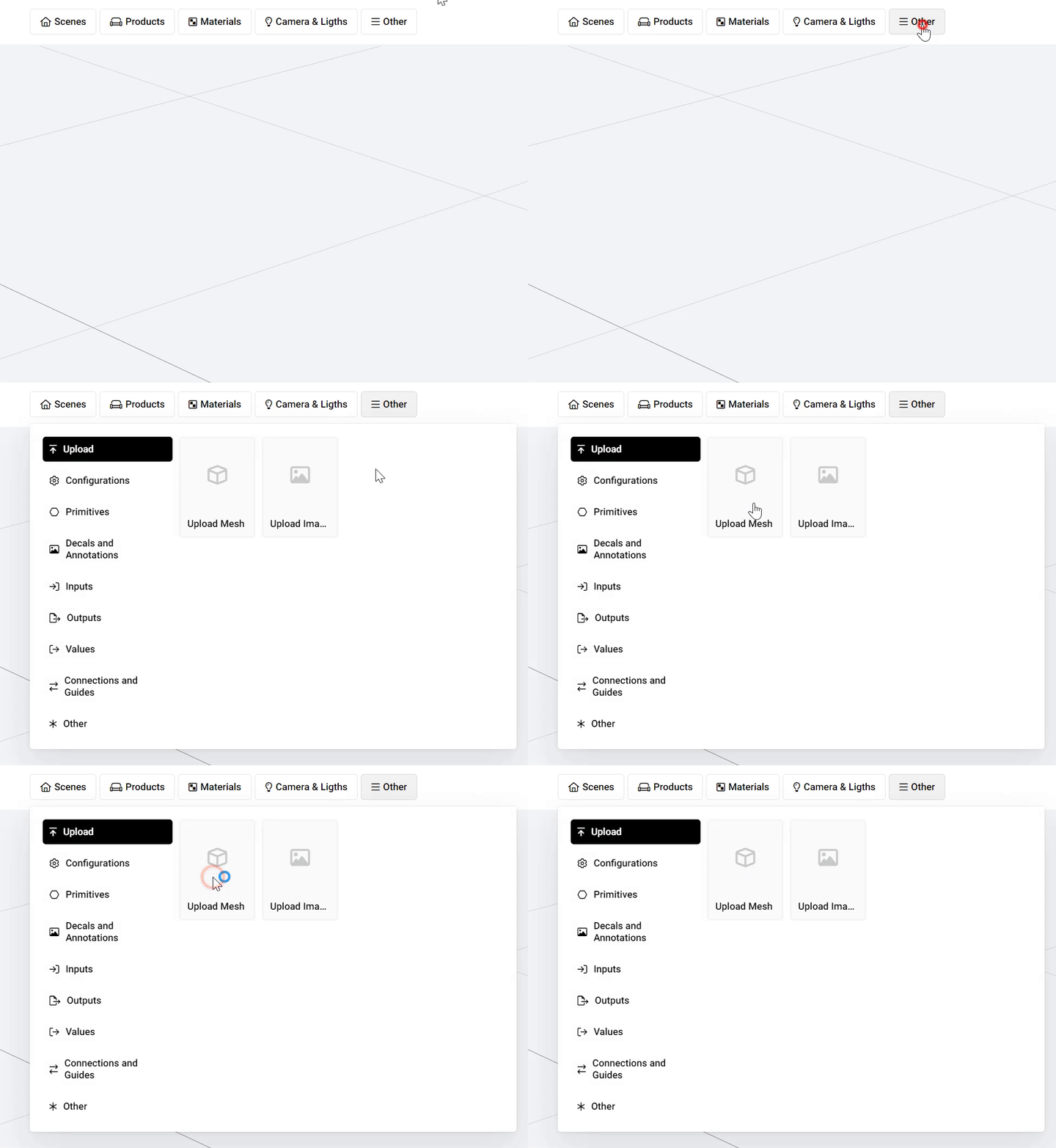
In the product editor you can simply select
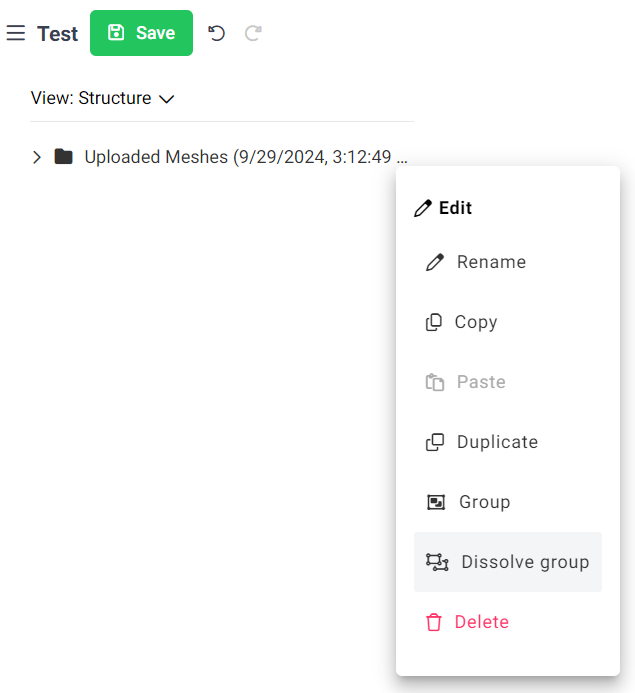
Once you selected your .obj, .fbx or .cmm file you should see the uploads starting and then also a folder where your meshes are now grouped. If you press the *Edit* and then the *Dissolve group* option you should see all the elements listed in the main tree.