> For the complete documentation index, see [llms.txt](https://docs.colormass.com/llms.txt). Markdown versions of documentation pages are available by appending `.md` to page URLs; this page is available as [Markdown](https://docs.colormass.com/building-blocks/products/advanced/create-template-from-selection.md).
# Create Template from Selection
In some instances you already have a product created but you realize that maybe a small part needs to be saved out as a reusable 3D element to be used in other products as well.
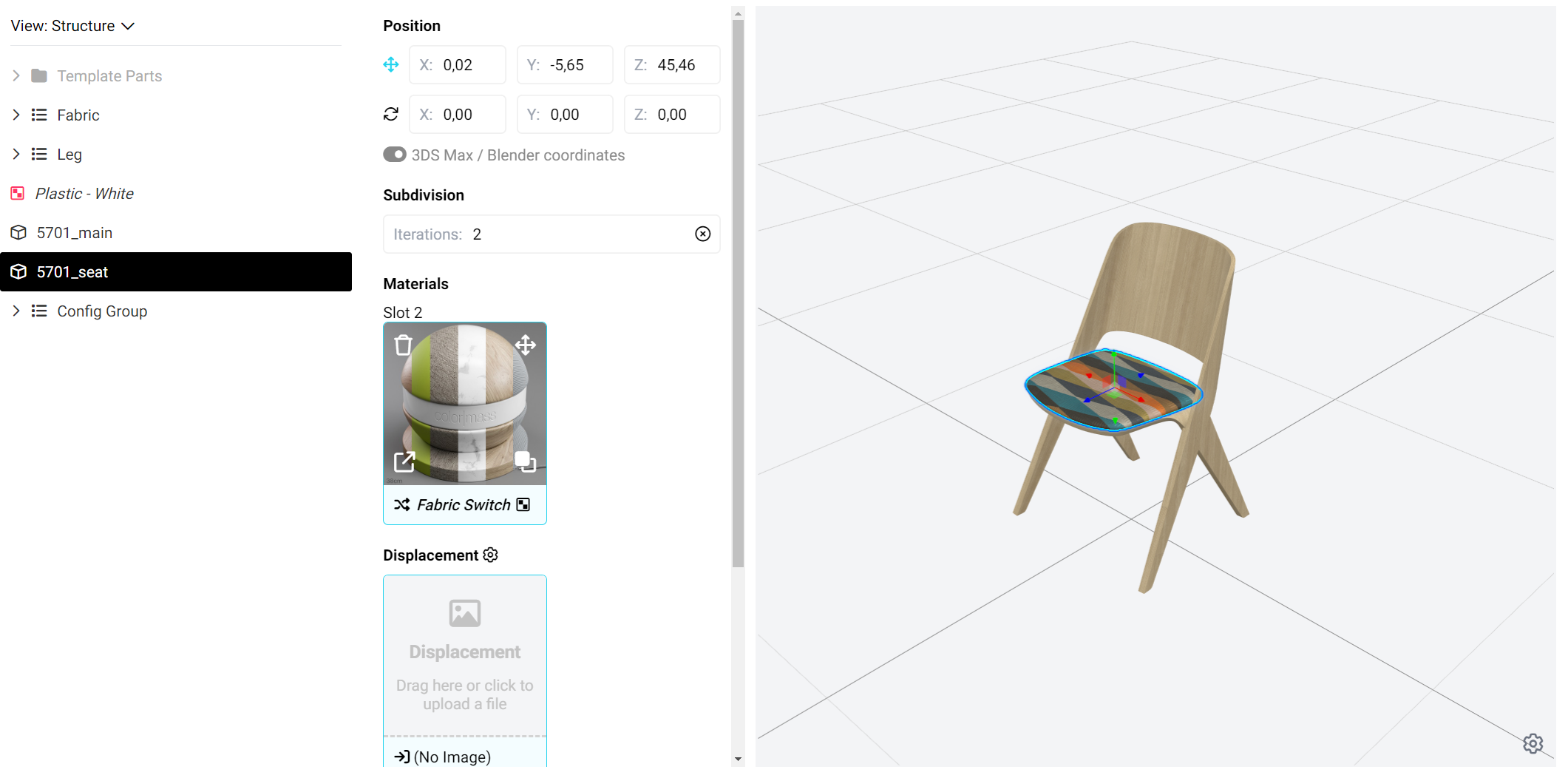
In this case you would need to first select part of the templates that you would like to save out, like the seat is selected in the screenshot below:
Selection
then press Create Template from Selection using the *Other* menu:
Create Template from Selection
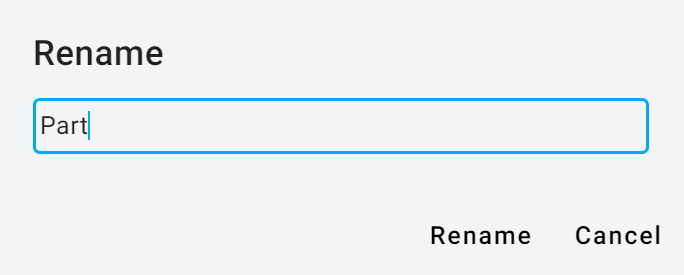
then you would need to name the product.
Name
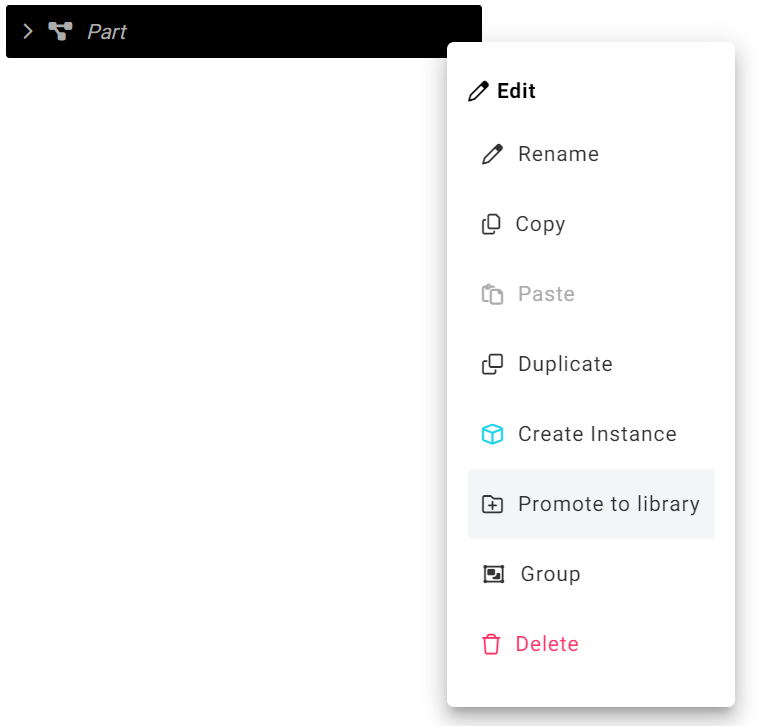
This creates an internal template, but after you click *Edit* you can promote it to a reusable element that appears in the library.
.png?alt=media&token=83cd4a60-3732-4da9-a632-29f41bd18072)