> For the complete documentation index, see [llms.txt](https://docs.colormass.com/llms.txt). Markdown versions of documentation pages are available by appending `.md` to page URLs; this page is available as [Markdown](https://docs.colormass.com/building-blocks/scenes/camera/focus.md).
# Focus
## Changing the Focus
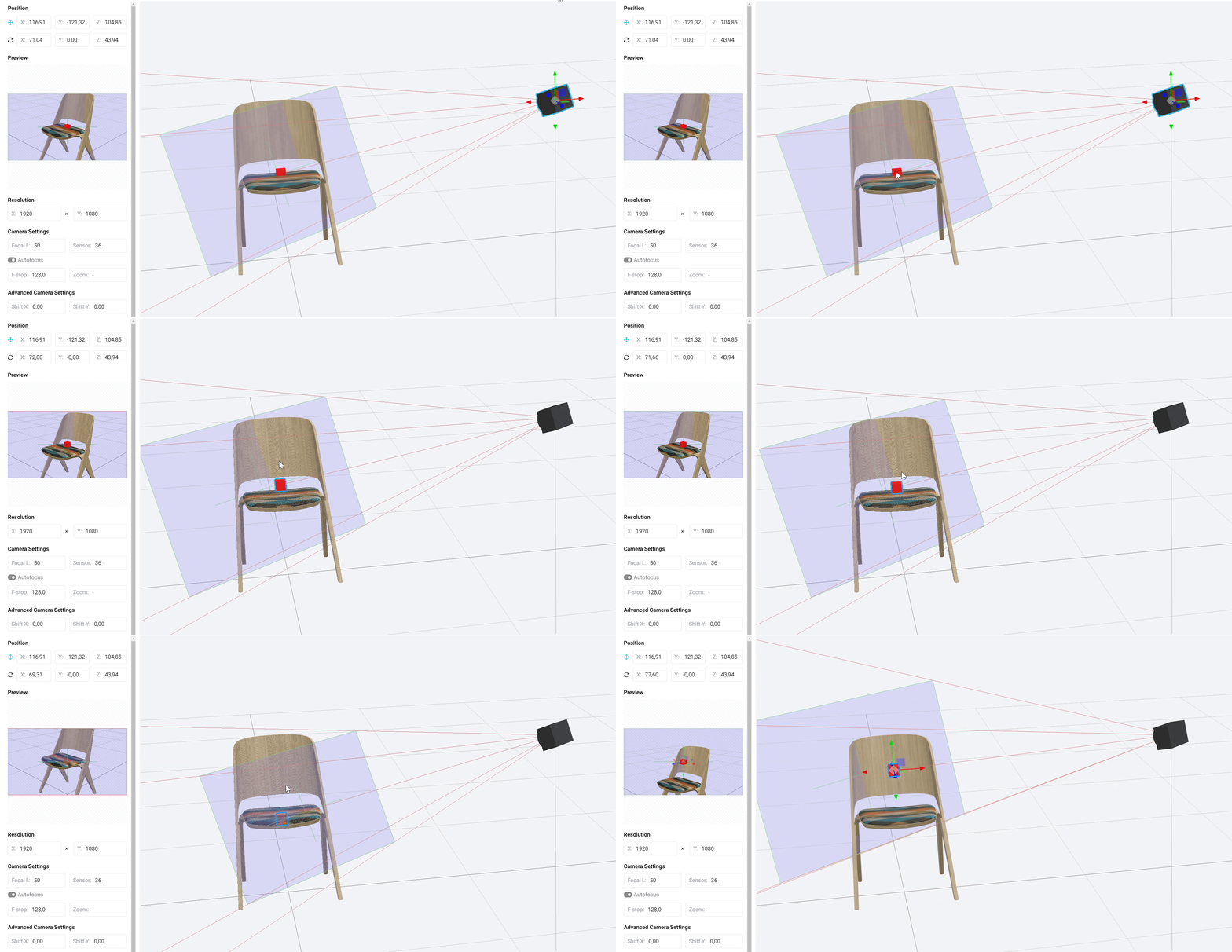
If you click on the camera target (or if you click on the camera again while it is selected) you can also move the target of the camera around.
Moving the target
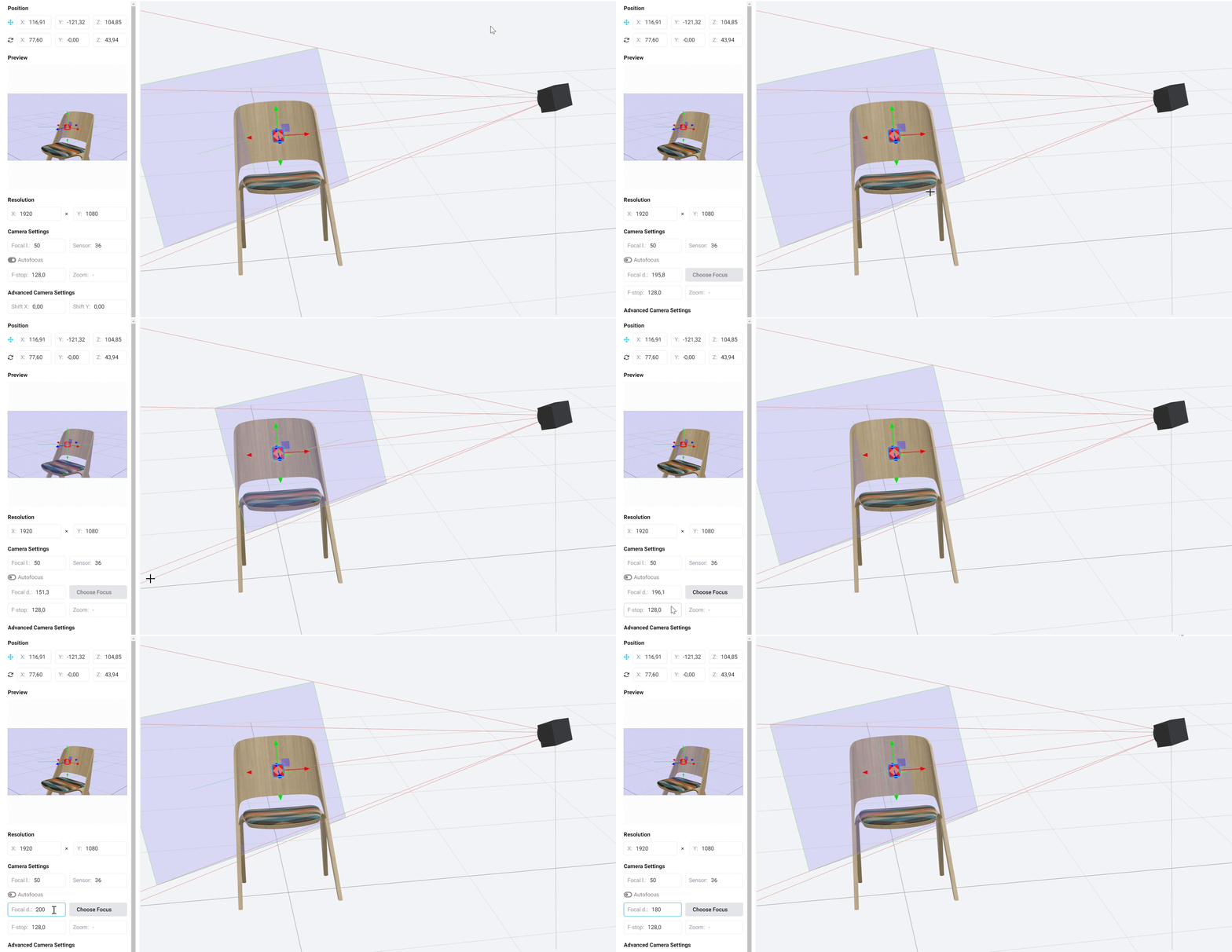
You will notice that the blue rectangle is changing while you are changing the target. This is because by default there is an *Autofocus* set and the camera is adjusting the focus depending on what you select as the target. But it is possible to **turn off** the *Autofocus* and set it manually. To do this press the *Autofocus* toggle and then either:
* Choose a point or
* Set the focus plane distance manually in the *Focal distance* field
as you can see in the recording below:
Changing the focus
{% hint style="danger" %}
Please always make sure the focus plane intersect the area where you want your camera to focus, otherwise the image will be blurry.
{% endhint %}