> For the complete documentation index, see [llms.txt](https://docs.colormass.com/llms.txt). Markdown versions of documentation pages are available by appending `.md` to page URLs; this page is available as [Markdown](https://docs.colormass.com/configurator/upload-icons.md).
# Upload Icons
As you probably noticed in the [Publish the Configurator](/configurator/create-your-first-configurator/publish-the-configurator.md) page the configurator by default doesn't include any icons and this would be something that you would need to upload for your own product. To do this you would first need to locate the product whose icon you would like to change.
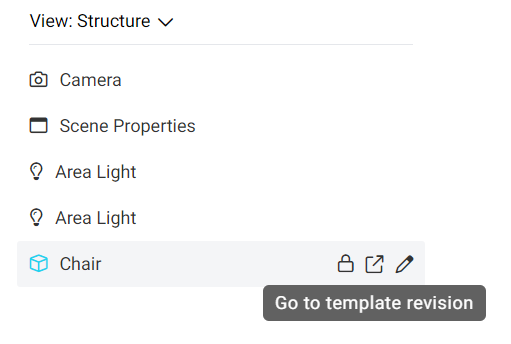
If you only know the scene of your configurator, you can also find the product by finding your product inside the tree and clicking on its link:
Link to the template
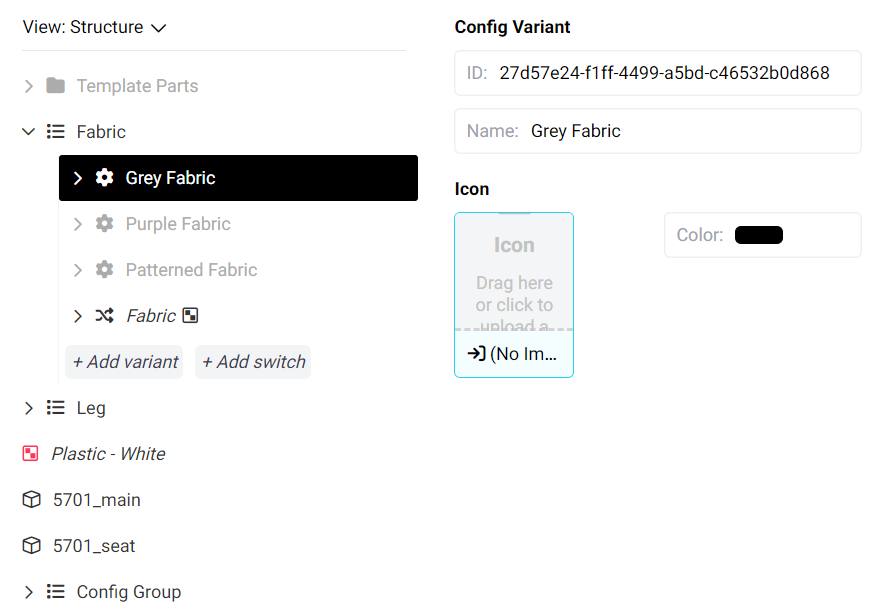
Once you are in the product that you would like to change, simply click on a config variant like so:
Config variant
and click on the blue Icon field. This will open up a window where you can select a new icon.