> For the complete documentation index, see [llms.txt](https://docs.colormass.com/llms.txt). Markdown versions of documentation pages are available by appending `.md` to page URLs; this page is available as [Markdown](https://docs.colormass.com/dev/readme.md).
# Welcome
Welcome to the API Access section of the documentation. This API is designed to help developers seamlessly integrate **colormass** into their applications, enabling advanced data management, configurator integration, and exporting functionalities. With our API, you can create custom workflows, automate processes, and build tailored solutions to suit your business needs.
## Jump right in
## Configurator
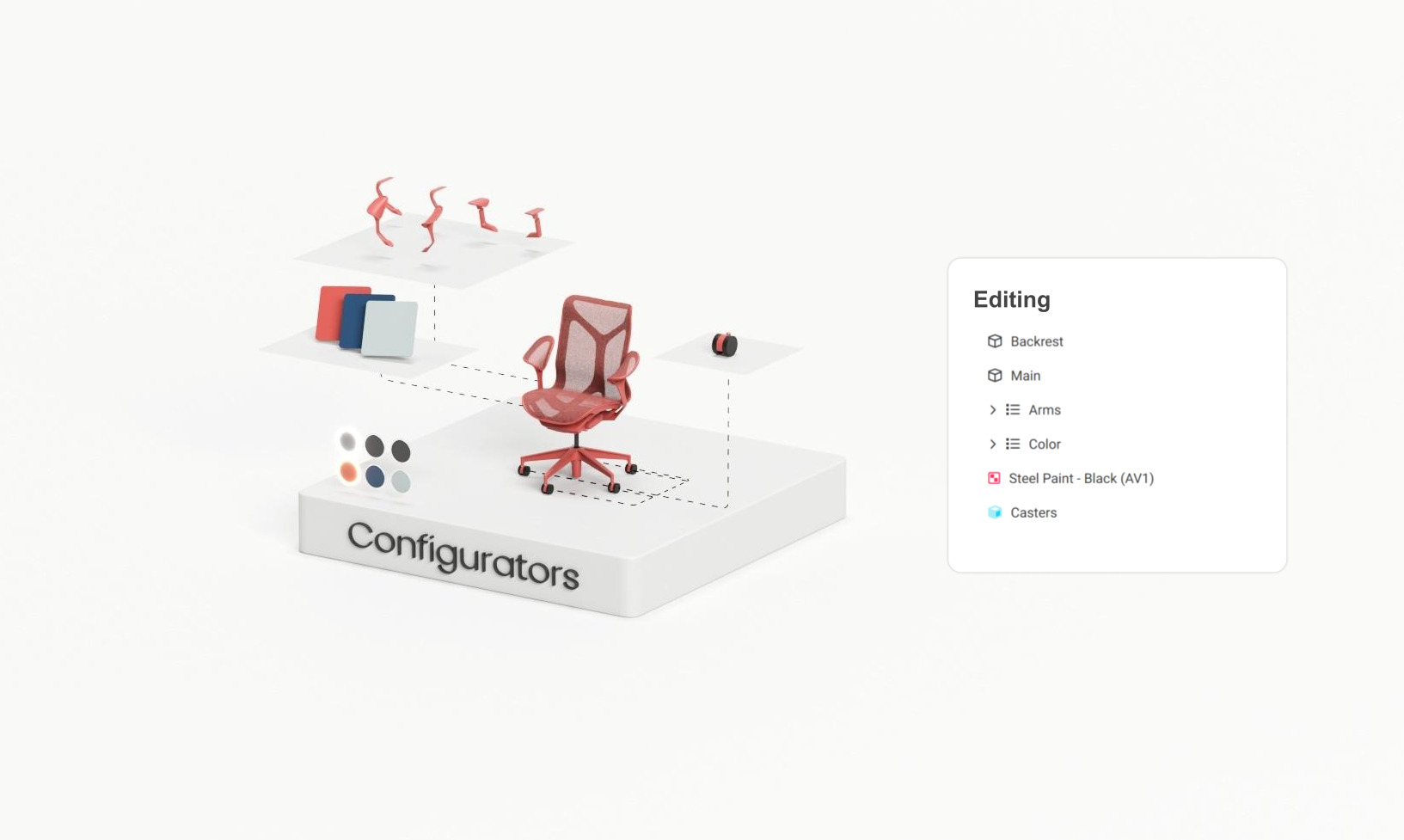
In the configurator documentation you can learn about the ways you can integrate colormass configurators into your website. There are various levels of integration, starting from changing basic styling elements of our components until completely using your own UI and only communicating with the 3D viewer through an API.
Just to provide an example you can find the following custom configurators that were integrated using the colormass API.
* [**Designtex DDS**](https://designtex.com/digital-studio/): This custom application empowers users to visualize customized patterns in real time, offering a dynamic and interactive experience. This visualization capability is seamlessly integrated with Designtex's ecommerce platform, streamlining the process of pattern selection and customization for users. Ultimately, this system results in the production of the desired pattern, which is a printed sample.
* [**VADO Vanity Builder**](https://www.vado.com/cameo-vanity-builder)**:** This configurator was assembled utilizing the colormass 3D backend and seamlessly integrated via the colormass API. The frontend of the configurator was created by VADO to ensure perfect alignment with the brand.
Learn more about configurator integrations [here](/dev/configurator/introduction.md).
## Data Exporter
* [**Designtex Downloads**](https://shop.designtex.com/circulate/): If you visit any of the product pages of Designtex. You can find that the material exports are integrated into the website, eliminating the need to always download and upload files to the CMS.
* [**Maharam Downloads**](https://www.maharam.com/maharam/products/flex/colors/005-weaver)**:** Similarly on the Maharam product pages you will also see that material exports are directly integrated into the website.
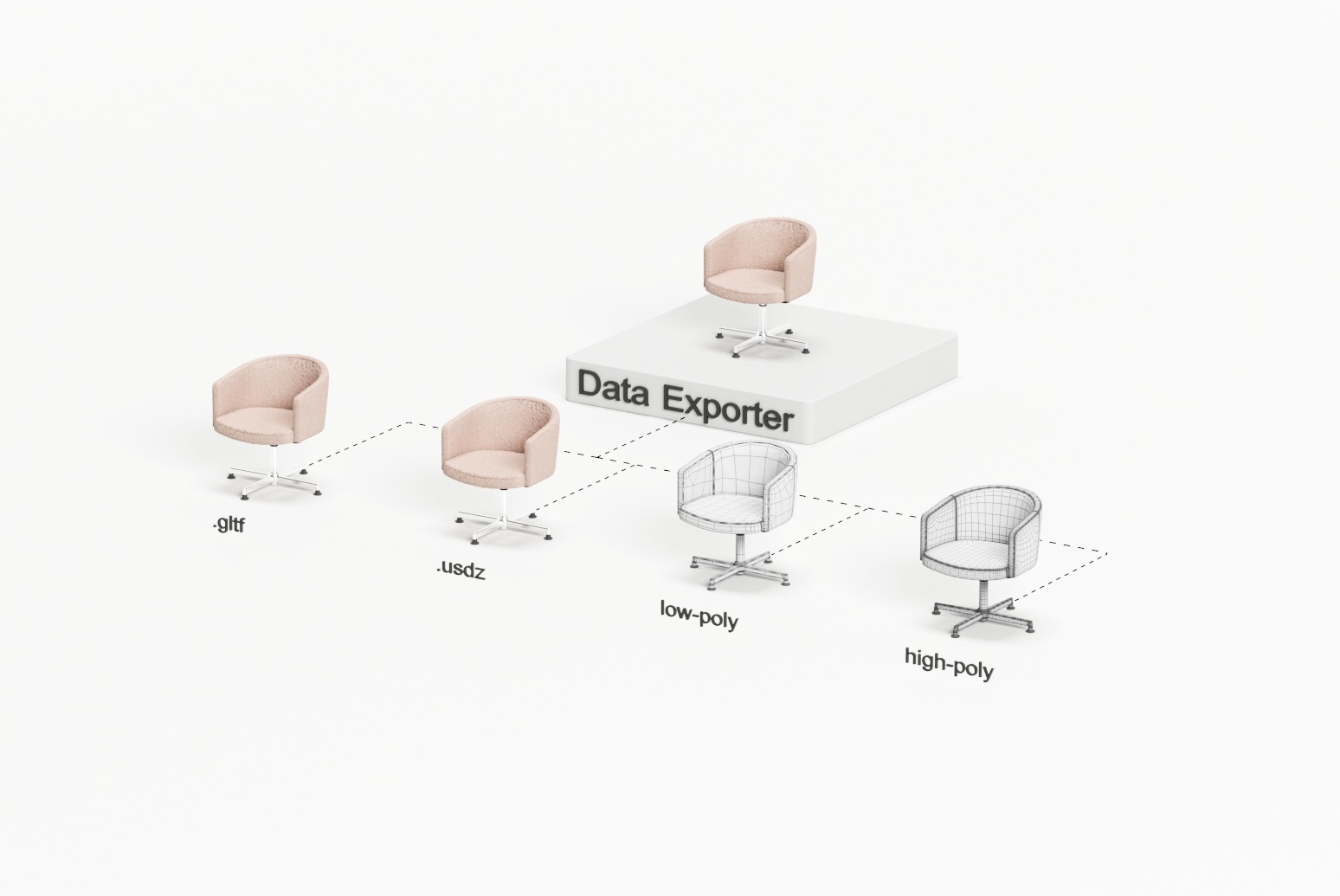
Learn more about data integrations [here](/dev/data-exporter/integration.md).
{% hint style="info" %}
If you would like to create Configurators or Exports of your material then please head to the [Tutorials](https://docs.colormass.com/) section of the documentation.
{% endhint %}