> For the complete documentation index, see [llms.txt](https://docs.colormass.com/llms.txt). Markdown versions of documentation pages are available by appending `.md` to page URLs; this page is available as [Markdown](https://docs.colormass.com/rendering-platform/batch-rendering/delete-all-variations.md).
# Delete All Variations
To delete all your images you would need to click on the *Delete All* button:
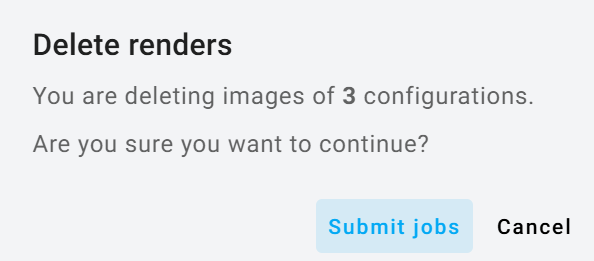
and then press *Submit jobs:*
.png?alt=media&token=8916202b-1c10-4415-aab0-e06197d619e0)