> For the complete documentation index, see [llms.txt](https://docs.colormass.com/llms.txt). Markdown versions of documentation pages are available by appending `.md` to page URLs; this page is available as [Markdown](https://docs.colormass.com/rendering-platform/batch-rendering/re-render-a-variation.md).
# Re-render a Variation
If there is a specific variation that you would like to re-render click on the variation you need and then change to the *Render Image* view on the right side.
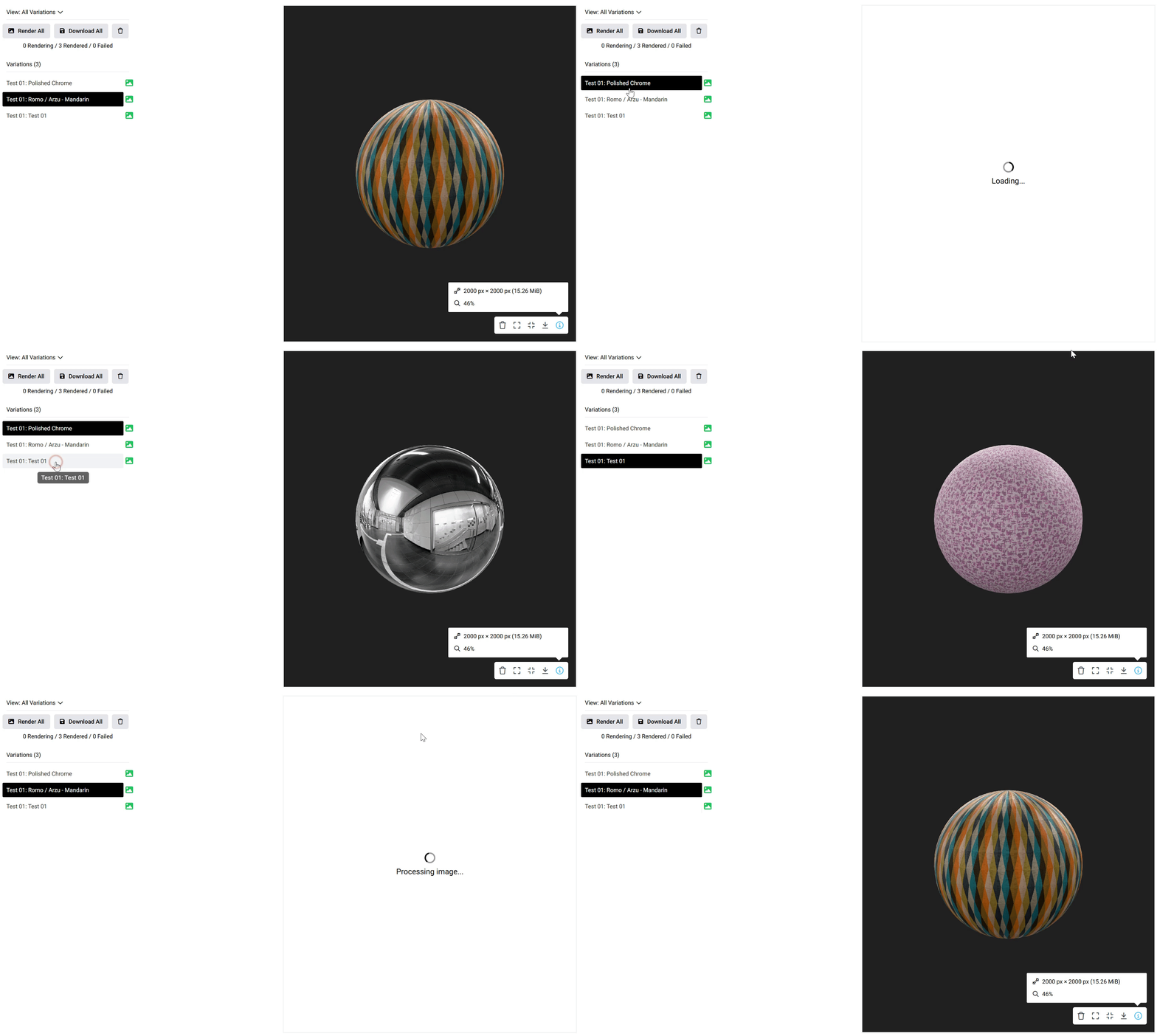
When you click on each variation the corresponding image will be displayed, like so:
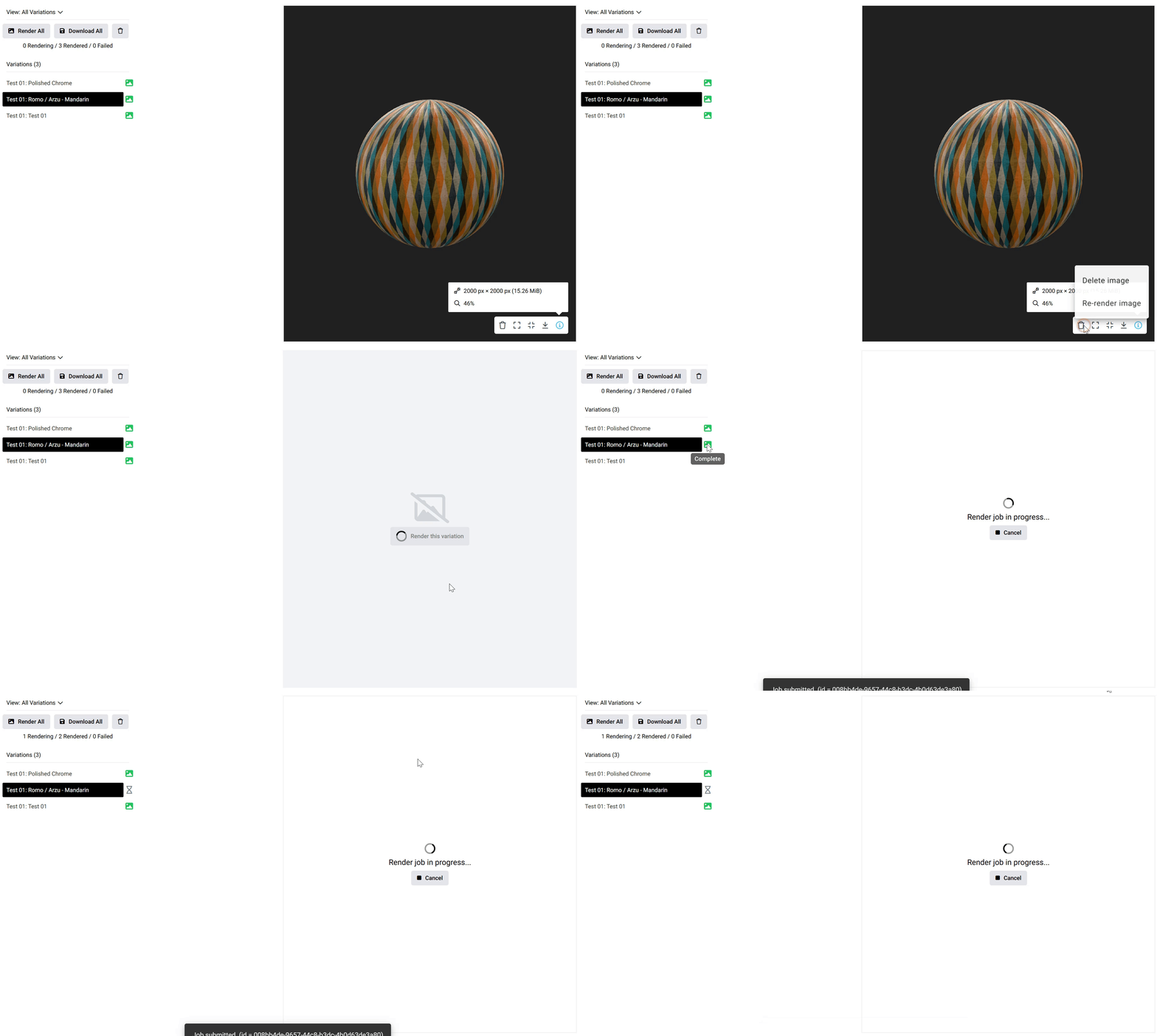
In order to re-render one, please select the variation that you would need to re-render and then press the little bin button and *Re-render,* like you can see below: