> For the complete documentation index, see [llms.txt](https://docs.colormass.com/llms.txt). Markdown versions of documentation pages are available by appending `.md` to page URLs; this page is available as [Markdown](https://docs.colormass.com/rendering-platform/batch-rendering/view-all-variations.md).
# View All Variations
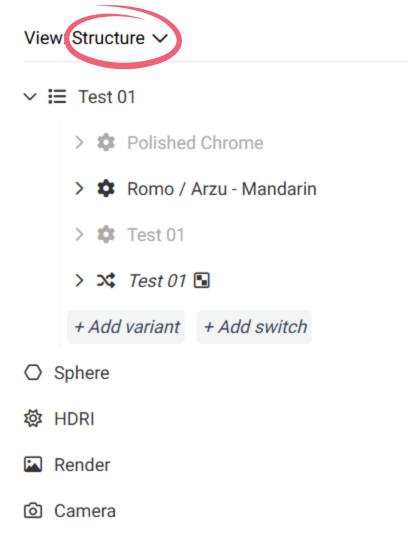
In the 3D editor the active view is called *Structure* that shows the structure of the scene, and the currently selected variation that would appear in your render.
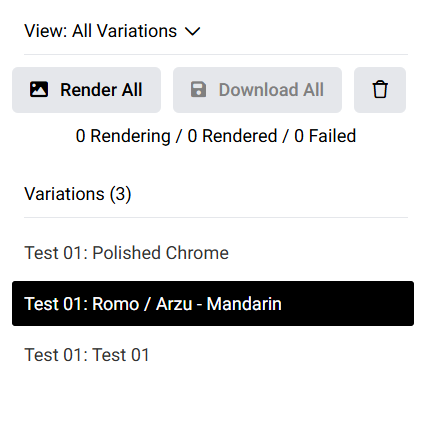
In the above screenshot you can see that currently a variation called *Romo* is selected, which will be used in the render. If we wanted to generate all variations we would need to click on the *Structure* and change to *All Variations.*
In this view all of your variations will be listed (as a flat list), like so:
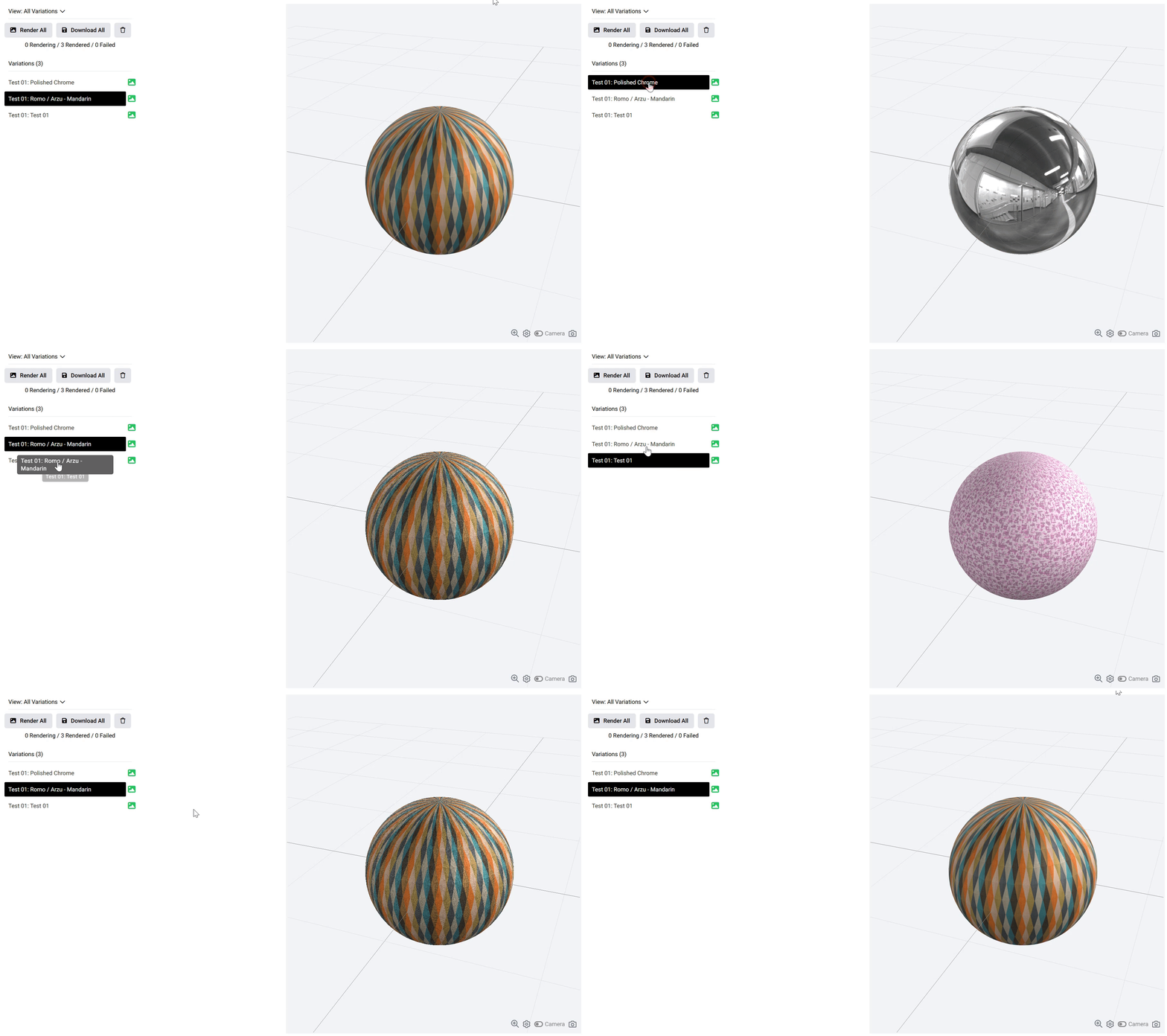
If you click on each variation on the left side, it will show that specific variation on the right side as well in the 3D viewer.