> For the complete documentation index, see [llms.txt](https://docs.colormass.com/llms.txt). Markdown versions of documentation pages are available by appending `.md` to page URLs; this page is available as [Markdown](https://docs.colormass.com/scanning-and-tiling/exports.md).
# Exports
{% hint style="info" %}
It is possible to integrate exports directly into your website, so that you don't have to manually download and upload files. For more information check out the [Data Exporter](/dev/data-exporter/generating-exports.md) developer documentation.
{% endhint %}
A big advantage of an online 3D system like colormass is that since you are only storing a single source of truth, you can generate various kinds of export without having to store all those variations separately in the database.
## Types of Exports
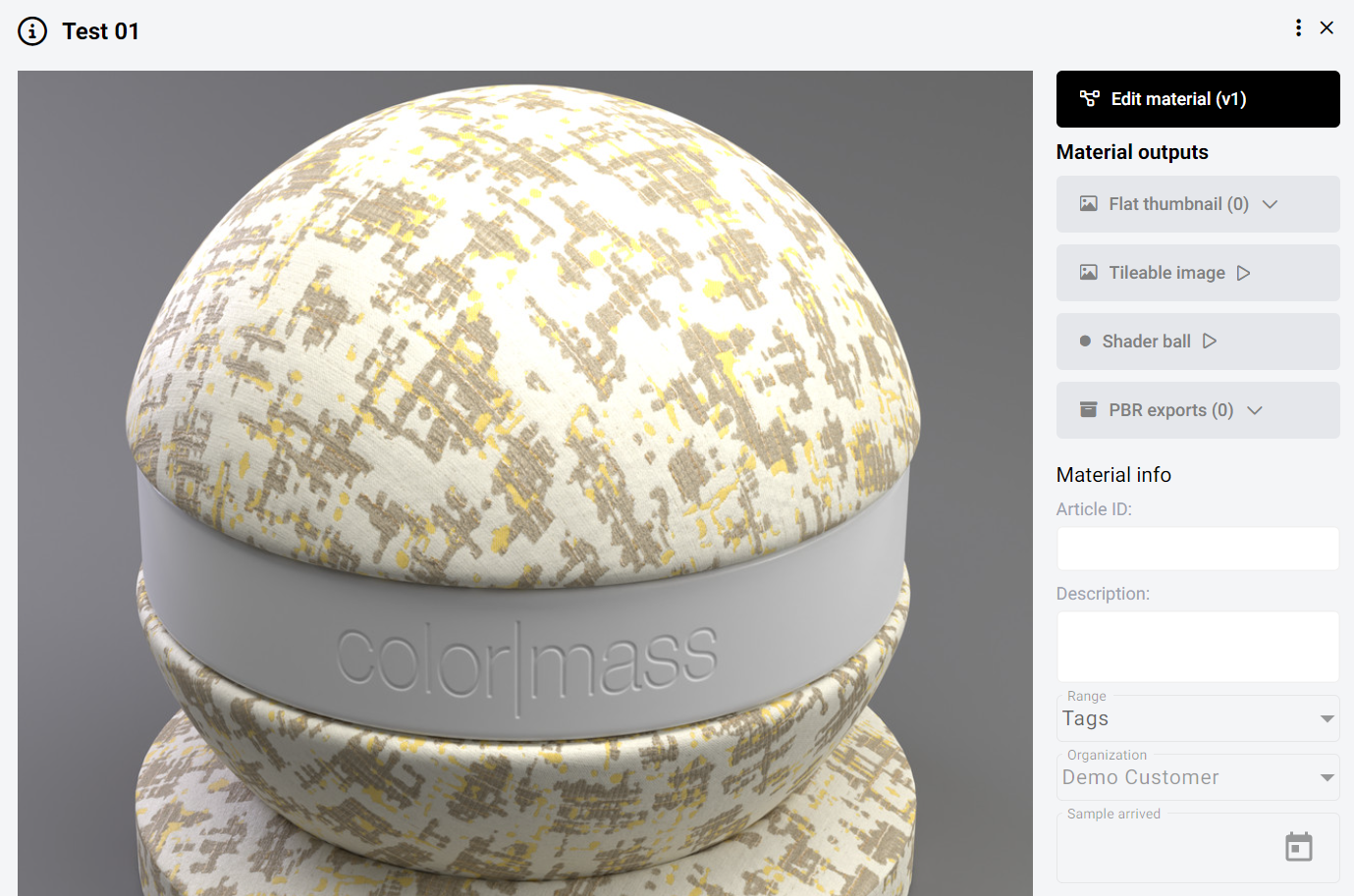
On the right side of the screenshot below under *Material outputs* you can see four main outputs.
Material outputs
For fall materials that have an online revision, various outputs can be generated:
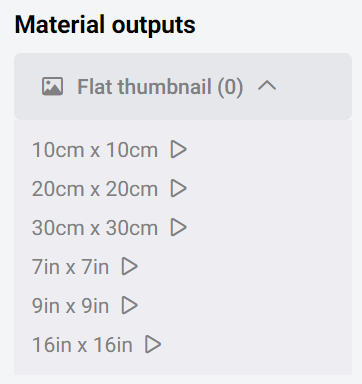
* **Flat thumbnails** are images that are generated with a fixed dimension that is visible on the image. On the platform the following predefined sizes are available to be generated:
Thumbnail sizes
* **Tileable image** is an image that can be placed next to itself (above, below, or side-by-side) without creating an obvious seam. The size of the repeat (and hence the physical size visible on the image) is included in the name of the file.
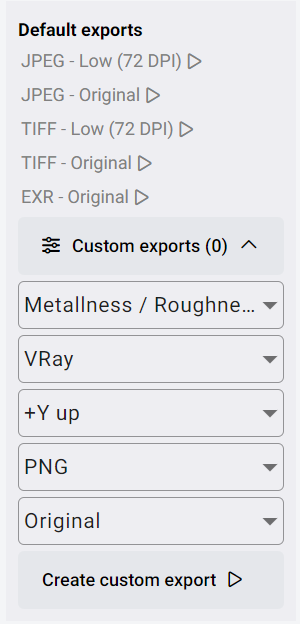
* **Map exports** are the PBR exports where the maps can be exported based on the last material revision or texture set. This can mean standard PBR exports but you are also able to change between render engines (Vray, Corona, Cycles), workflows (Metallness/Roughness, Specular/Glossiness), file type and many other settings.